
Getting started with GS1
Ready inthree steps.
Download the app, apply the sensor and connect. Here's how.

1
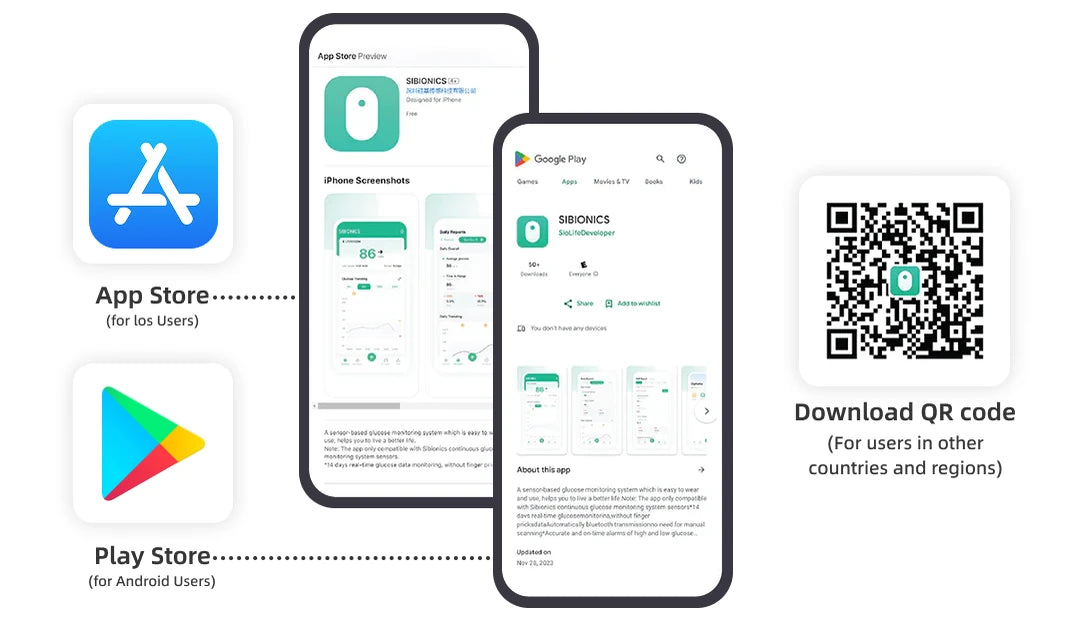
Step 1
Download
Scan the QR code on the quick start guide to download the SIBIONICS app.
2
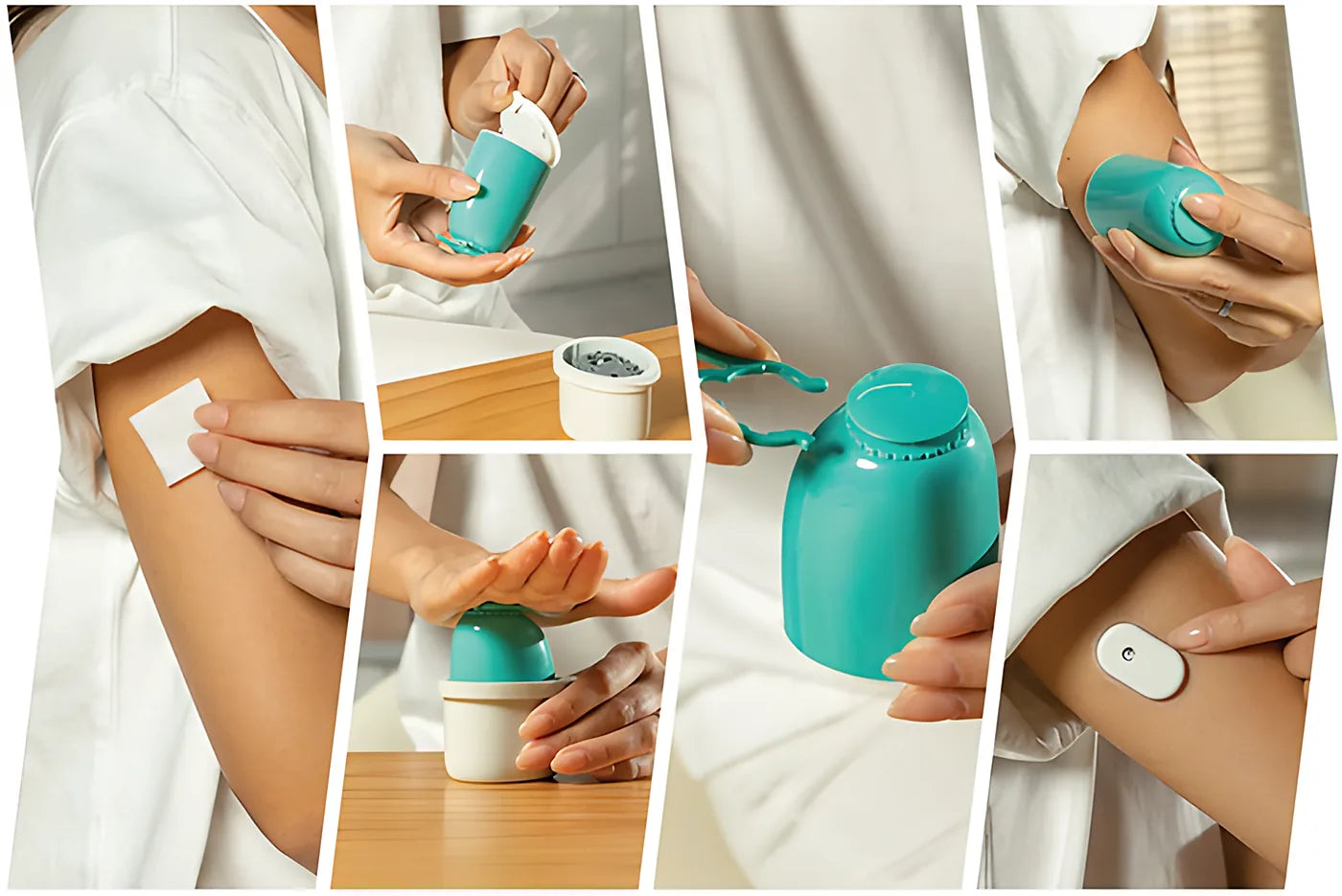
Step 2
Apply
Follow the instructions in the Quick Start Guide to apply the sensor. Application is simple, and many users report little or no discomfort.
Quick Start Guide ›
3
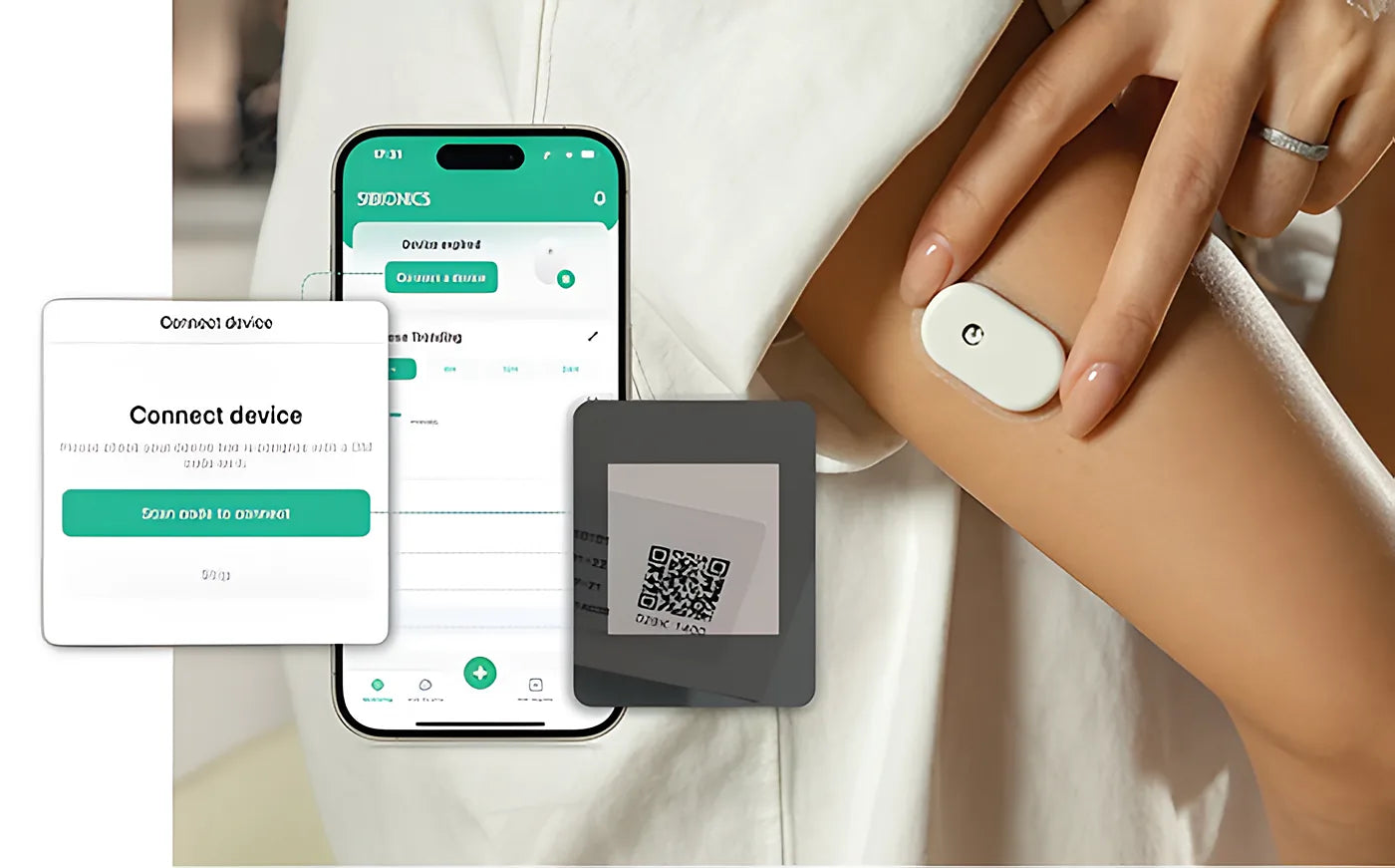
Step 3
Connect
Open the app and follow the instructions to pair it with your sensor. You can either scan the link code QR on the box or enter the 8-digit link code manually.
A 60-minute warm-up is required when pairing the GS1 sensor with the SIBIONICS app.
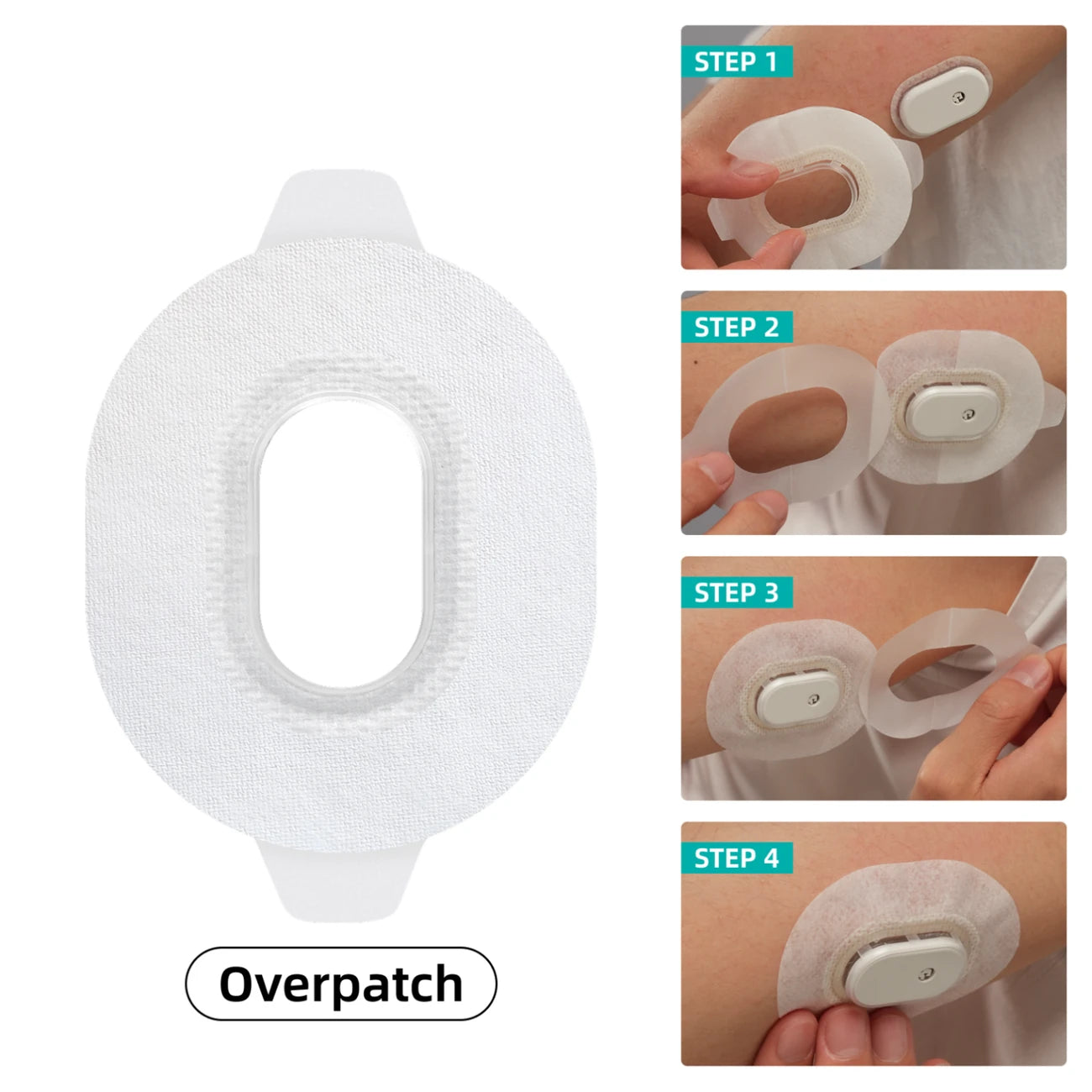
Overpatch
CGM overpatch usage guide
Prepare and applyClean and dry your skin, then center the overpatch over the sensor.
Secure one sidePeel half of the backing and stick it down.
Secure the other sidePeel the rest of the backing and stick it down.
CheckMake sure all edges are secure.
Tip: avoid damaged skinStop use if allergicReplace if it lifts or gets damaged